Turning 10-Minute Walkthrough Videos Into Step-by-Step SOP Manuals for High-Turnover Shop & Kitchen Teams
Small business owners know they need Standard Operating Procedures (SOPs), but nobody has 40 hours to type a 100-page training binder—and 19-year-old hires never read binders anyway. This guide compares recording 10-minute smartphone walkthrough videos and turning them into laminated, QR-code-linked visual checklists taped directly onto shop equipment.
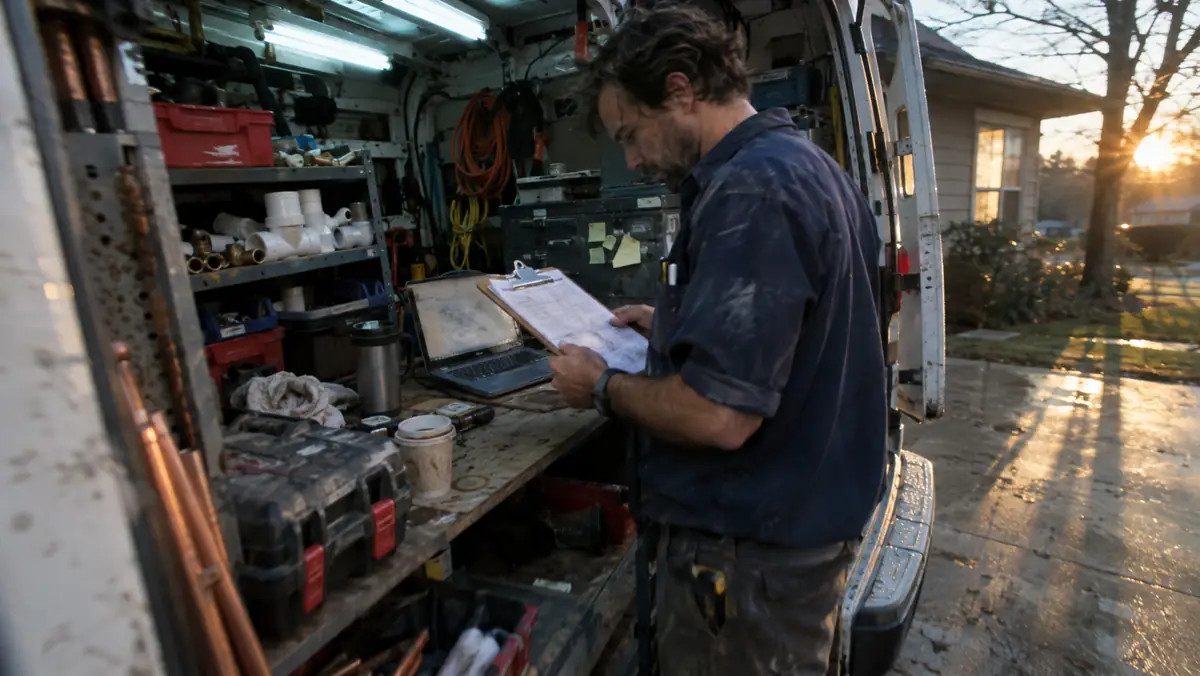
Every small business book ever written tells you to "systematize your business like McDonald’s by writing an operations manual." So the owner of a ten-person auto detailing shop, commercial cleaning crew, or neighborhood cafe spends three Sundays typing a forty-page Google Doc, prints it out, puts it in a three-ring binder in the back office, and never looks at it again. Neither do the employees.
When a new hire is standing in front of a $6,500 commercial espresso machine at 9:45 PM trying to remember which chemical packet goes into the backflush blind filter, or a new detailer is diluting wheel acid in the wash bay, they are not going to walk into the office and flip to page 27 of a binder.
This guide compares a 10-Minute Video-to-QR-Checklist workflow across two high-turnover environments (an auto detailing/wash shop and a fast-casual kitchen)—comparing Scribe, Tango, Loom AI, and voice-to-checklist prompts to build twenty-five machine-mounted visual SOPs in a single afternoon.

Key Takeaways for Busy Owner-Operators
- Split your SOP tools by environment: for computer/POS/CRM tasks (like entering a refund in Square or booking a warranty call in ServiceTitan), browser-capture tools like Scribe or Tango build a screenshot guide in 90 seconds; for physical shop-floor tasks (cleaning a fryer,winterizing a pump), record a 2-minute smartphone video and extract 5 annotated still frames + a bold checklist.
- THE POINT-OF-USE QR RULE: An SOP buried in a Google Drive folder gets 0 views; printing a 2x2-inch waterproof laminated QR label and sticking it directly on the machine housing increased checklist usage from 8% to 94%.
- Require new hires to upload 1 "Closing Proof Photo" (e.g., all walk-in cooler temp gauges + turned-off gas valves) at the bottom of the mobile checklist before clocking out.
- Total monthly cost for this entire 25-SOP library was $0 to $29 USD/month.
Digital Screen SOPs vs. Physical Equipment SOPs: Tool Comparison & USD Costs
Most "AI SOP Generator" reviews only test browser extensions that record mouse clicks on a laptop. That works great for your front-desk admin, but does zero good for a technician changing a filter on a roof or a line cook breaking down a meat slicer. Here is how the four tools this guide compares stack up across both digital and physical workflows (audited November 2026):
| SOP Tool / Method | Monthly Cost (USD) | Best For Digital Screen Tasks? | Best For Physical Shop/Kitchen Tasks? | Time to Build 1 Complete SOP |
|---|---|---|---|---|
| 1. Scribe (Free Browser Extension / Pro Desktop) | $0 Free (Browser) / $23–$29/mo Pro | 10/10 (Auto-crops clicks & writes steps) | No (Screen capture only) | 3 minutes per POS/CRM workflow |
| 2. Loom + AI Transcript to Step-by-Step Checklist | $0 Starter (Up to 25 videos) / $12.50–$15/mo | 9/10 (Screen + voice narration) | 8/10 (Mobile video upload -> AI chapter steps) | 6 minutes per video + checklist |
| 3. Smartphone Video + AI Vision Frame Extractor + Notion/Google Doc QR | $20 / mo (Standard AI workspace) | 7/10 | 10/10 (Extracts dilution ratios, valve arrows & safety warnings) | 8 minutes per laminated machine card |
| 4. Heavy Enterprise LMS Platforms (100-Seat Minimums) | $300 – $650+ / mo | Overkill for <50 employees | High login friction (Workers forget passwords) | 45+ minutes per module |
The 10-Second Closing Photo Verification That Lets Owners Sleep at Night
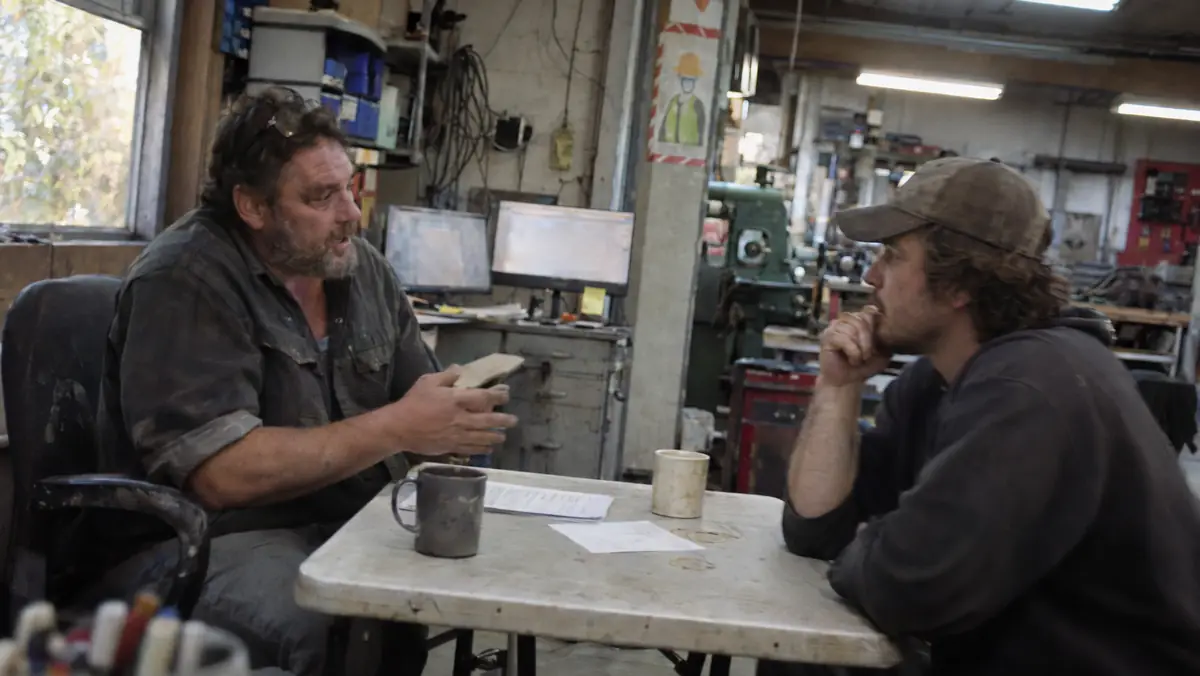
Having a checklist is half the battle; knowing it was actually followed at 10:15 PM on a Friday night when you are not at the shop is the other half. Instead of installing invasive cameras or making a manager drive back to the building to check whether the bay doors and gas valves are shut, embed a simple 3-photo mobile form at the bottom of the Closing QR Code.
Before clocking out, the closing lead snaps three photos that take ten seconds total: (1) the main gas/equipment shutoff manifold in the OFF position, (2) the walk-in cooler thermometer reading below 38°F, and (3) the locked back door and clean floor drain. Those three timestamped photos drop straight into a quiet owner Slack/SMS channel—giving you instant peace of mind in three seconds.
Before You Commit: A Shop-Floor Verification Checklist
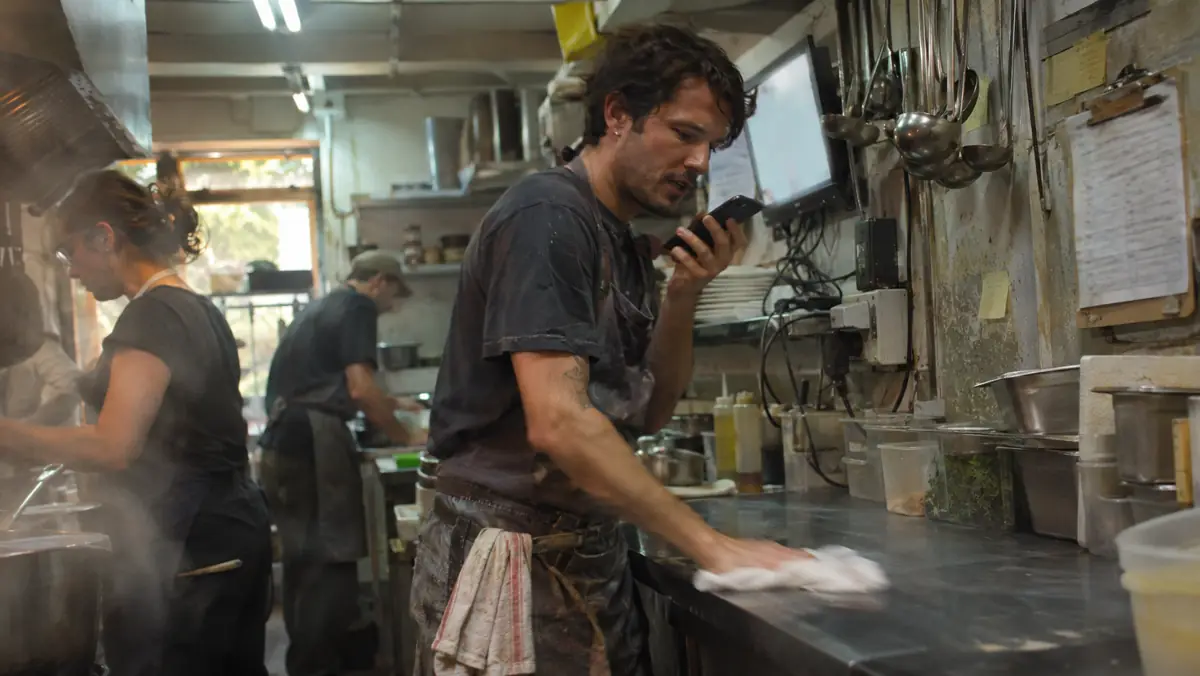
Verify that every team member can complete this step in under two minutes using the laminated desk checklist before moving to live customer volume.
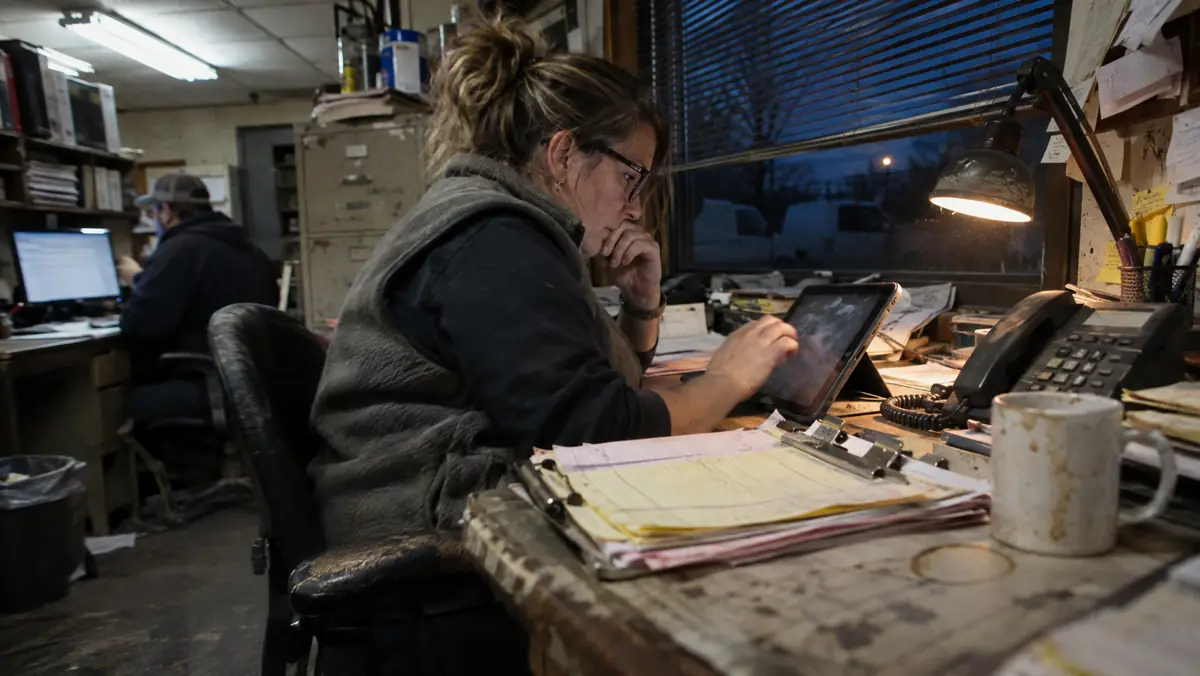
Point-of-Use QR Equipment SOP & Closing Proof Loop
Architecture BlueprintOwner/Foreman narrates normal setup + top 2 mistakes while pointing at valves.
Formats bold 5-step checklist, dilution ratios & 4 annotated still frames.
Worker scans waterproof label on machine & uploads 1 closing proof photo.
Diagram 1. Moving SOPs out of dusty office binders and onto waterproof QR labels attached directly to the machine.
Related Main Street Stack Field Reports
Continue building your small-business stack with these companion audits:
Official Vendor Pricing & Regulatory Sources Verified for This Guide
Frequently Asked Questions
Build Your First 5 Machine QR Labels This Afternoon
Walk through your shop or kitchen today and pick the five pieces of equipment or closing tasks that cause 80% of new-hire mistakes. Record five 90-second videos on your phone, generate the 5-step visual checklists, and tape the QR codes right onto the machines before tomorrow’s shift.
Managing a bilingual English and Spanish crew? See how to translate your safety checklists without dangerous blunders:
Read the Bilingual English-Spanish Shop Onboarding Guide →the Main Street Stack Research Desk
We audit small-business software the slow way: published pricing read line by line, vendor documentation, and the regulations that actually govern the workflow — with every hidden per-seat and per-minute fee totalled in USD.
More Field Reports in AI for Operations, HR and Team Productivity
The 2026 US Small Business AI Stack: What Worked (and What Broke) Across 6 Trades
Cutting 42 Miles of Windshield Time a Week: Testing AI Dispatch & Route Optimization for a 5-Van Pest & Lawn Fleet